How to Find and Buy Shoes with a Shopping Agent
Use category filters, seller photos and sizing checks to compare sneakers and footwear before sending a listing to a shopping agent.
Published August 5, 2026 · Updated August 5, 2026 · 2 min read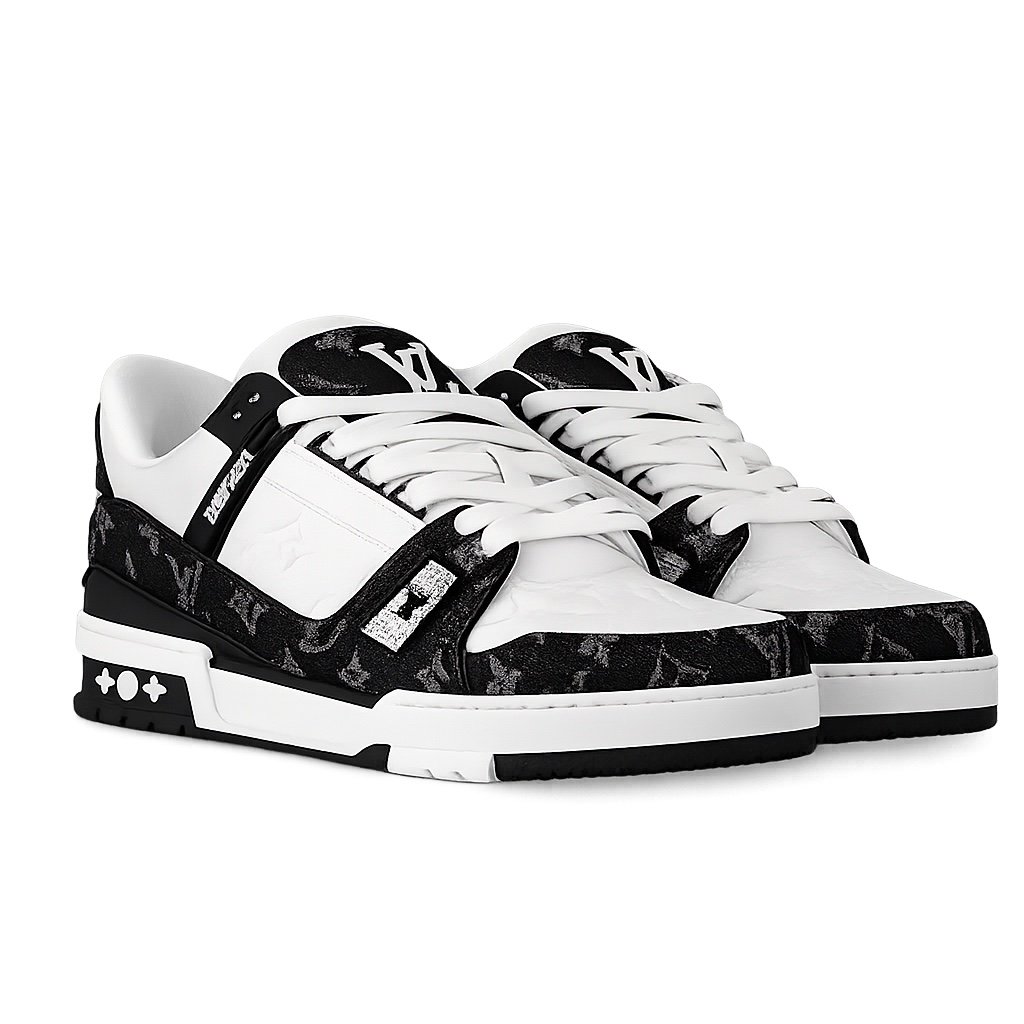
Shoes are one of the largest parts of the catalog, so a structured comparison saves time and reduces sizing mistakes. Start on the Shoes Spreadsheet, then narrow the grid before opening individual products.
Choose the correct footwear type
Use the product-type navigation to separate sneakers, boots, loafers, sandals and other footwear. If you already know the label you want to explore, combine the category with a brand filter or start from a brand page such as Nike products.
Product titles are designed to describe visible style and catalog metadata. They should help discovery, but the live seller page remains the place to confirm the exact option being offered.
Measure your feet before choosing a size
Do not rely only on the size printed on a pair you already own. Measure both feet while standing, using the longer measurement as your baseline.
- Place your heel against a wall
- Mark the end of the longest toe
- Measure the distance in centimeters
- Compare the measurement with the seller's foot-length or insole chart
- Allow for sock thickness and personal fit preference
Different sellers may use different size conversions. A familiar EU, US or UK number is not enough without the seller's own measurement guidance.
Check the complete photo set
A useful shoe listing should show more than one side. Review the product photo checklist and look for:
- lateral and medial sides
- toe box and stitching
- heel shape and rear branding
- tongue and size label
- outsole pattern
- insole and included accessories
If important angles are absent, treat the product as uncertain. Listing images cannot guarantee material, construction or authenticity.
Compare more than the lowest price
A lower catalog price may come with fewer photos, unclear options or a seller you have not compared. Open several similar products and review the title, seller, image set, colorways and size availability.
The price shown in the catalog is a browsing reference. It does not necessarily include domestic delivery, shopping-agent service fees, optional services or international shipping.
Send the original link to your shopping agent
When you find a suitable product, use the purchase action to open or copy the original seller link. Follow the steps in How to Buy:
- paste or open the seller link with your chosen agent
- select the correct color and size
- review the seller price and domestic shipping
- submit the order through the agent
- review any warehouse information supplied later
- choose international shipping after consolidation
Kakobuy Spreadsheet does not process payment and is not the seller or shopping agent.
Common shoe-buying mistakes
- Selecting a size from memory without measuring
- Comparing different colorways as if they are the same listing
- Looking only at the main image
- Forgetting that shoe boxes can affect parcel weight and volume
- Assuming the displayed product price is the delivered total
A careful size and photo check is more valuable than rushing to the first visual match.
FAQ
Should I use my usual shoe size?
Not automatically. Compare the seller's foot-length or insole guidance with your own measurements.
Is international shipping included in the shoe price?
No. The browsing price does not include every domestic, service or international shipping cost.
What photos are most useful for shoes?
Check both sides, toe box, heel, outsole, tongue label, size label and any available detail photos.